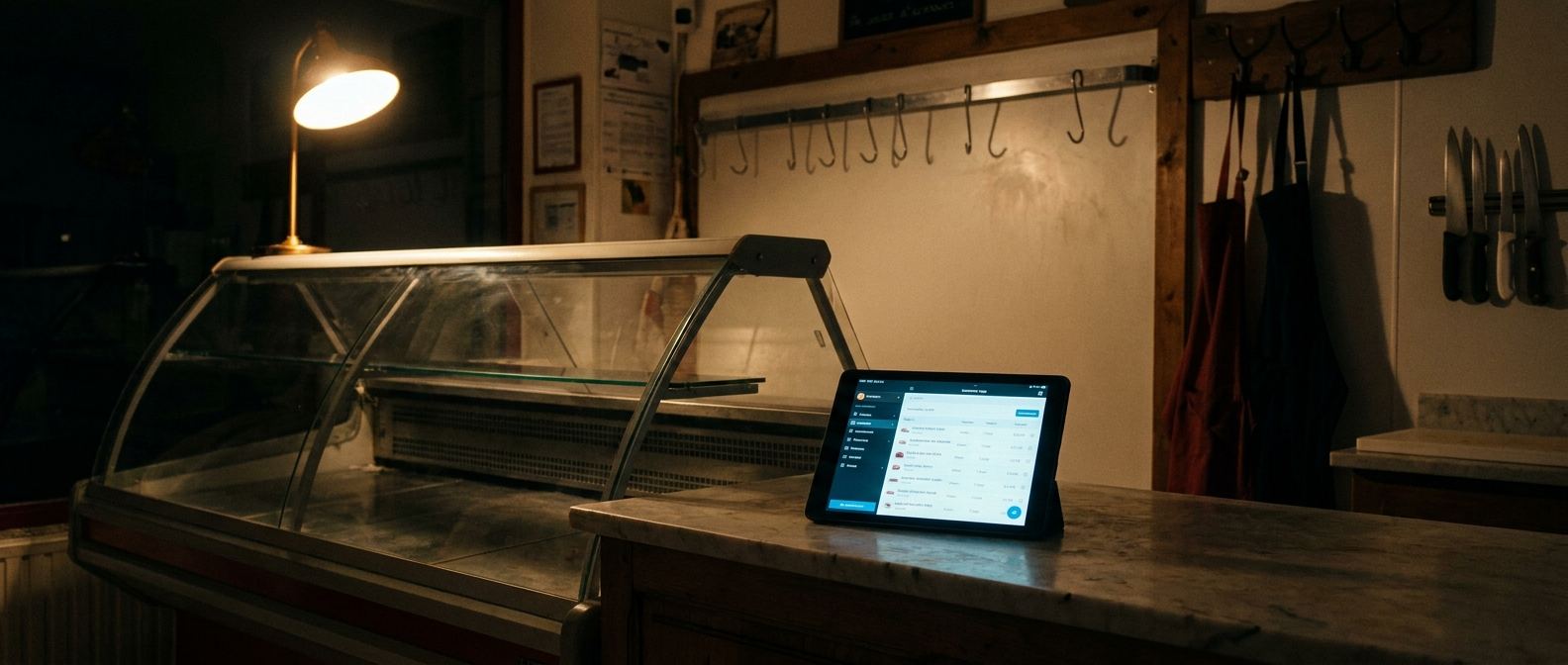
At Christmas, the challenge is more than the number of orders. Each brings a requested weight, preparation instructions, a change by phone and collection during a busy service. Staff need to find those details without depending on one person.
Adapt this method to your shop. It covers phone, counter and click and collect orders, and is also useful to a deli, cheesemonger or prepared-food department handling festive collections.
1. Define the range and deadline before reservations
Choose the products, order units and preparations you offer. For poultry or a whole joint, make clear what is an estimate and what will be weighed at collection. For a prepared dish or platter, identify the product and requested quantity.
Set an order deadline that fits supplier lead times and preparation capacity. Communicate it in the shop and online. Requests after that date should depend on actual availability, rather than becoming an automatic promise.
2. Offer collection slots the team can handle
“Christmas Eve morning” is not a collection schedule. Spread orders across slots and set capacity with preparation, storage, handover and payment time in mind.
Start with experience from previous years and adjust as reservations come in. The purpose is to know what must be ready for each slot, rather than fill every slot to its maximum.
3. Keep one record for every order
Every reservation needs a customer name, contact details, products, quantities and units, preparation instructions and a collection slot. Changes belong on the same record: a weight change on a separate note leaves two versions of the request.
Decide who enters phone orders and how colleagues find them. Online reservations should enter the same workflow as shop orders. Read our guide to setting up butcher click and collect.
4. Add up product quantities and check availability
Before preparation starts, group requested quantities over the relevant period. Keep kilograms and pieces in their respective units. This summary helps you discuss availability with suppliers and distribute work between stations.
RushPilot’s Needs screen shows what remains to prepare: ready orders and completed or unavailable lines are excluded. Consult it before preparation starts, then to follow remaining work. It is not a historical purchasing total, and it does not replace supply checks or calculate recipe ingredients. In a shop with several departments, each team can follow its own order lines.
5. Identify packages and plan collection
A finished package should be clearly associated with its customer and collection slot. The order label follows preparation and the collection label identifies the completed package. Use a storage method everyone knows and keep the location with the order.
For products sold by weight, the final amount follows actual weighing. Decide who finds the bags, who hands them over and who takes payment. A clearly marked collection area may help if your shop layout allows it.
6. Plan exceptions before Christmas Eve
Who calls the customer if an item is unavailable? Who approves a late change? What happens to an uncollected order? Assign a contact person and a procedure, then ensure each decision stays with the relevant order.
After Christmas, review difficult slots, misplaced orders and quantity errors. Those observations help plan the next season. Read our guide to organising butcher order preparation.
Christmas orders: your shop checklist
Check the items as you prepare, or print this list for the team. Your checks are not saved.
What RushPilot handles
The RushPilot Counter app brings orders, instructions, collection slots, quantities by product and preparation tracking together. The click and collect plan adds reservations through your online shop. Keep your current till and scales for payment at collection.
The application is currently in French and the current offer is for businesses in France. Availability elsewhere must be confirmed before starting a trial. See the butcher shop page, pricing or book a demo to discuss the workflow.